The reset your password page
Ask for an email with a link to choose a new password; the link works for one hour and only once.
This page sends you a link to choose a new password. Open it with Forgot it? on the sign-in page.
What you see
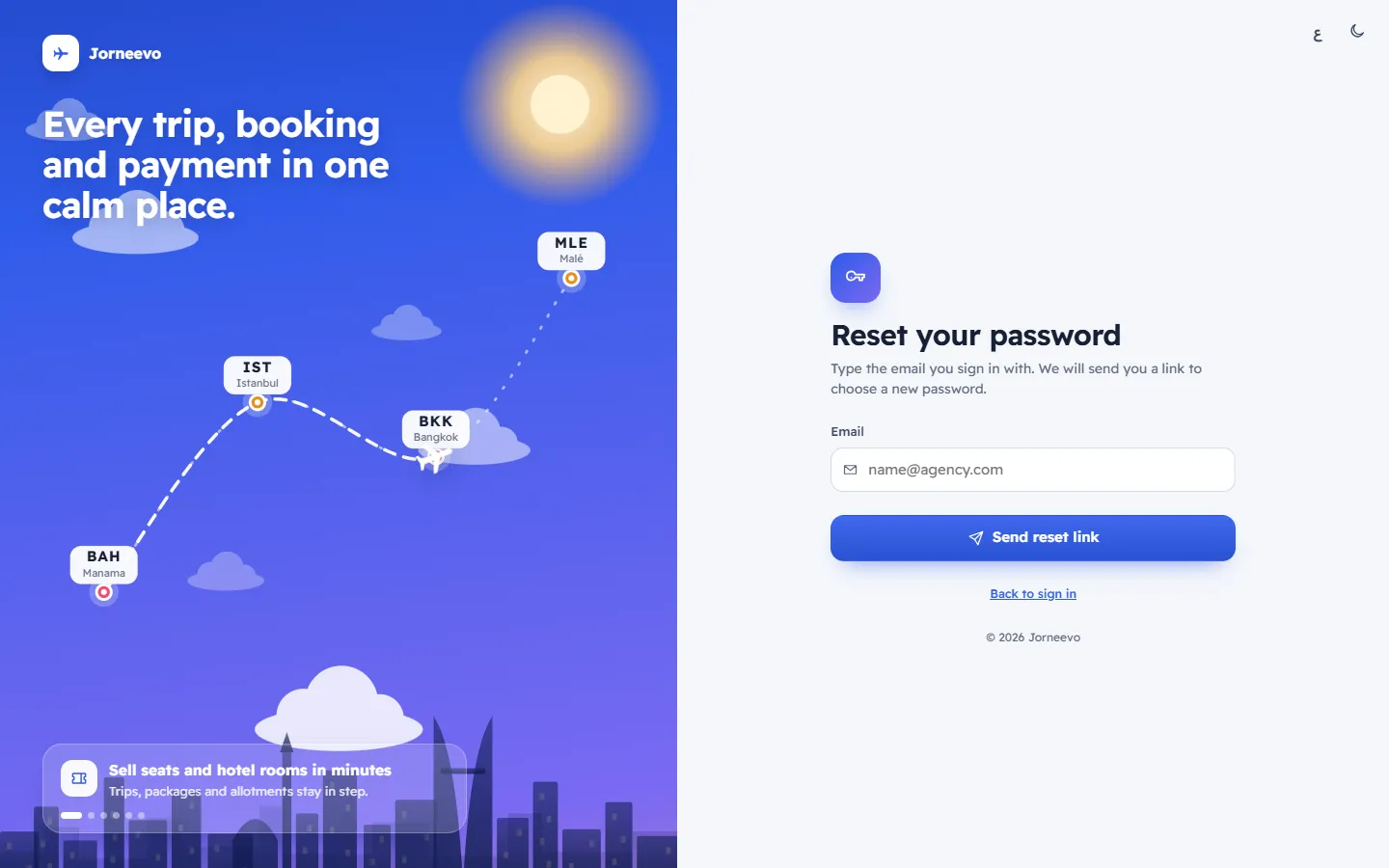
Reset your password
- Type the email you sign in with. We will send you a link to choose a new password.
- Email: filled in with the email you typed on the sign-in page.
- Send reset link.
- Back to sign in.
Check your inbox (after you press Send reset link)
- If this email has an account, a reset link is on its way. It works for one hour.
The page says the same thing whether or not the email has an account. This protects your team: nobody can use this page to find out who works at your agency.
The email you receive
- The subject is Reset your … password, with your agency's name. The email says the link works for 1 hour.
- It comes from your agency's own email. When your agency has not connected one, it comes from the platform's email, with a closing line saying it is sent on behalf of your agency. When neither is connected, nothing is sent.
- Platform admins get it through the platform's email.
What you can do here
Note
The link works once and for one hour. Asking for a new link replaces the old one.
Related articles
- Reset a forgotten passwordGet a reset link by email, open it within one hour and choose a new password of at least 8 characters.
- The choose a new password pageThe page the reset link opens, where you type your new password twice and sign in; your other devices are signed out.
- I cannot sign inThe checks to make, in order, when the sign-in page refuses your password, your code, your reset link or your invitation.