The create your agency account page
Every field on the sign-up page, the plan cards, and what happens when sign-up is closed.
This page creates a new agency on a free trial, with you as its owner. Open it with Create an account on the sign-in page, or from the pricing page of the website.
What you see
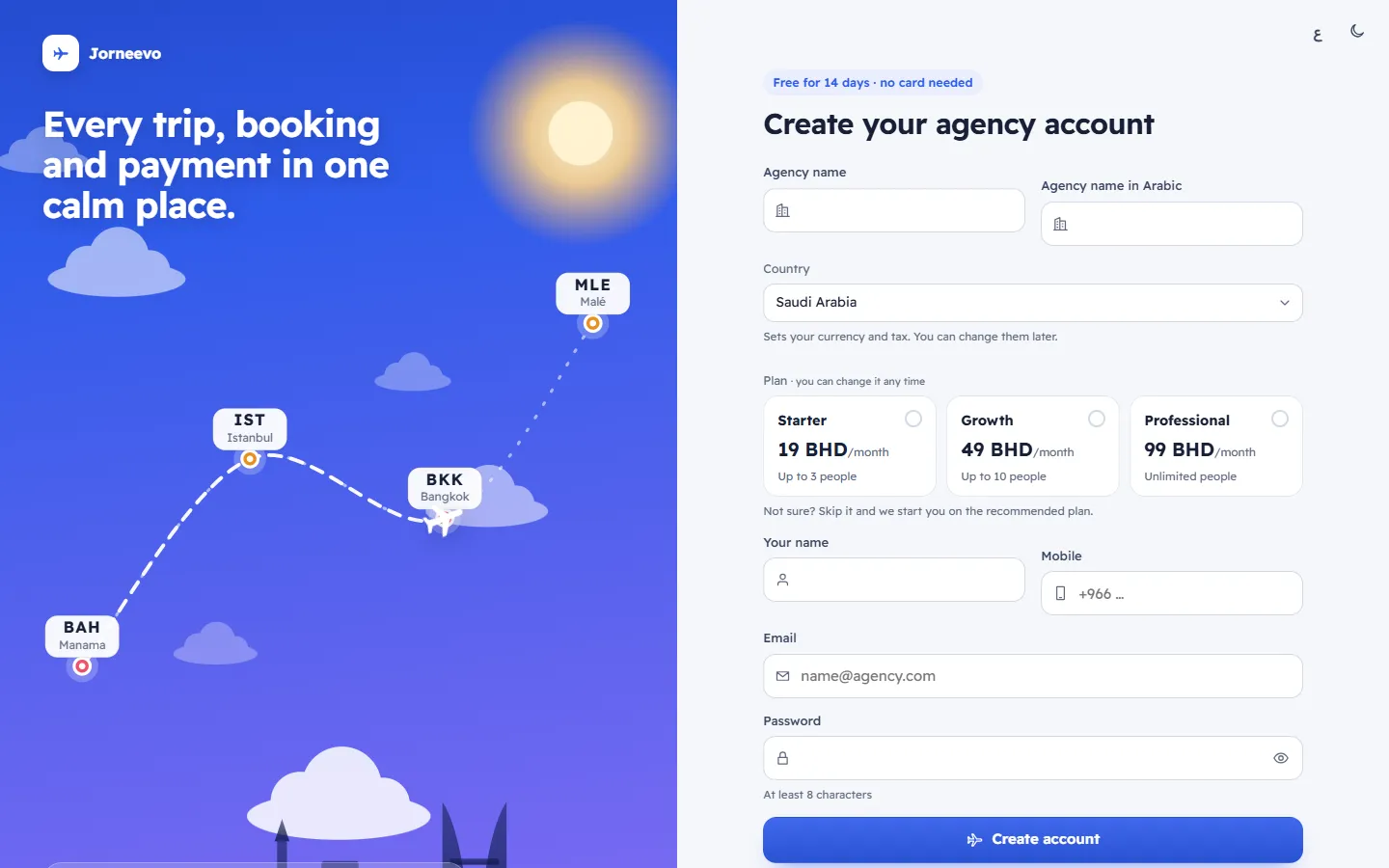
Create your agency account, with the trial length above it, for example Free for 14 days · no card needed.
| Field | What to enter |
|---|---|
| Agency name | The trading name, at least 2 letters. It appears on invoices, quotations and the customer's trip page. |
| Agency name in Arabic | Optional. Shown on Arabic screens and documents. |
| Country | Sets your currency and tax. You can change them later. Your browser's country is chosen for you. |
| Plan | Optional, you can change it any time. Each card shows the name, the price per month or year (Free when it costs nothing) and how many people it allows (Unlimited people when there is no limit). Press a chosen card again to unselect it. With no plan chosen: Not sure? Skip it and we start you on the recommended plan. |
| Your name | You, the owner. |
| Mobile | Optional. The placeholder shows your country's dialling code. |
| The email you will sign in with. It must not already have an account. | |
| Password | At least 8 characters. |
- Create account creates the agency and signs you in.
- Already have an account? Sign in opens the sign-in page.
- Mistakes show under each field, and Some fields need attention at the top.
Sign up is closed
When the platform does not accept new sign-ups, the page says Contact us to get an account for your agency. with Back to sign in.
What you can do here
Related articles
- Start a free trialCreate your agency's account in two minutes, without a card, and start the free trial as the owner.
- The setup wizardThe five setup steps of a new agency, Agency, Brand, Import, Team and Ready, and every field and button on each step.
- The sign-in pageEverything on the sign-in page, its two steps (password, then the code when two-step sign-in is on) and what each message means.