The sign-in page
Everything on the sign-in page, its two steps (password, then the code when two-step sign-in is on) and what each message means.
The sign-in page is where everyone in the agency, and platform admins, sign in. It has two steps: your email and password, then, when two-step sign-in is on, a code from your phone.
What you see
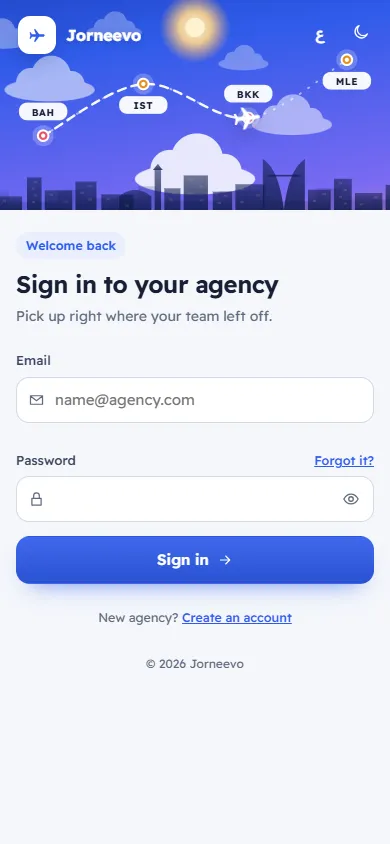
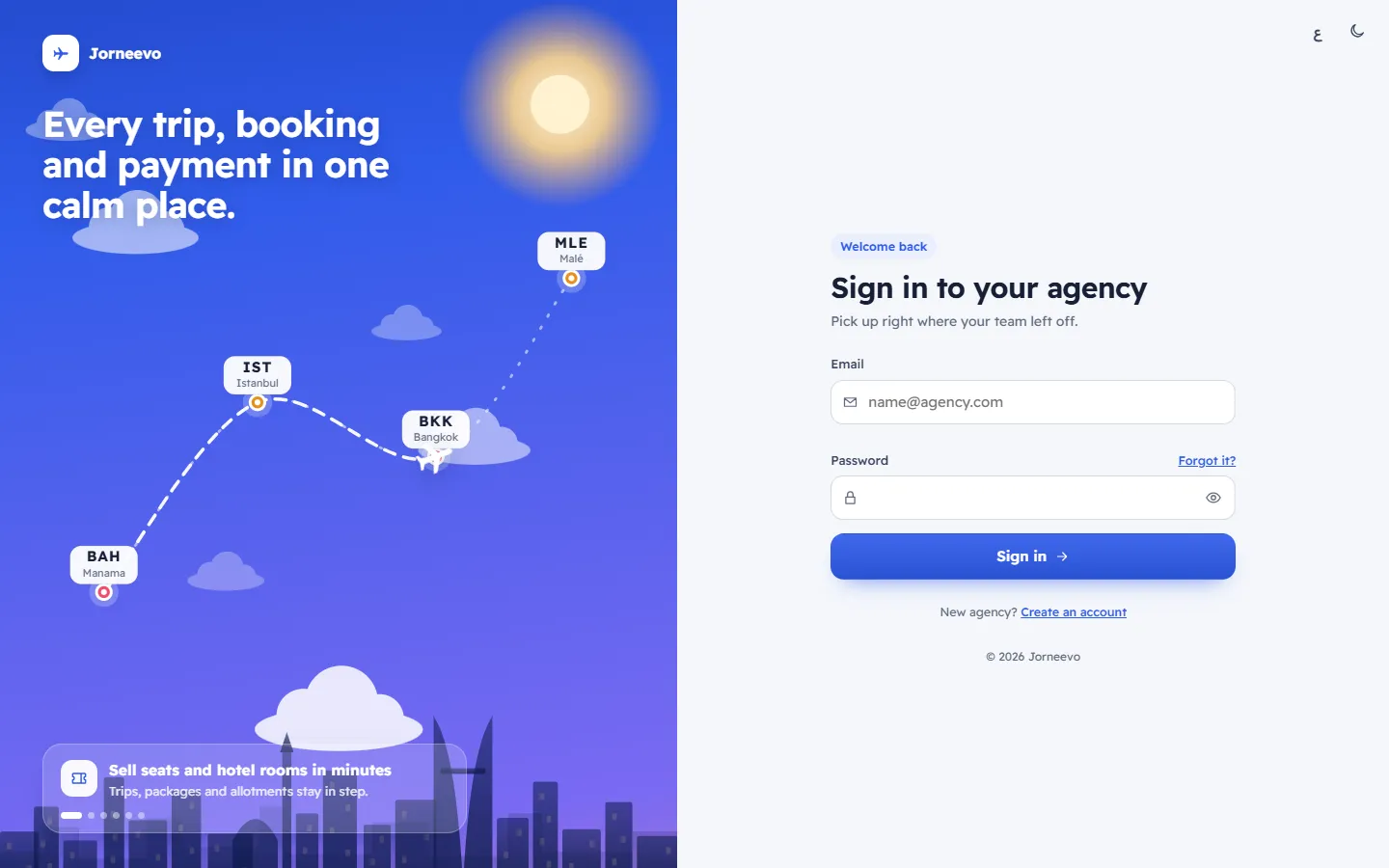
The password step (Welcome back / Sign in to your agency, with Pick up right where your team left off.)
- Email: filled in for you with the last email that signed in on this browser. Not you? next to it forgets that email and clears the form.
- Password: the eye button shows or hides what you type. Caps Lock is on warns you when it is. Forgot it? opens the reset page with your email already filled in.
- Sign in: checks the email and password. While it works it shows Signing in….
- New agency? Create an account opens the sign-up page for a free trial.
The code step (Two-step sign-in, only when two-step sign-in is on and the browser is not remembered)
- The email you are signing in with, and Open your authenticator app and type the six-digit code for this account.
- Six boxes for the code. The form sends itself when the sixth digit is typed.
- Remember this device for 30 days, with the hint Only on a computer or phone you trust.
- Verify and sign in.
- Use another account goes back to the password step. Use a recovery code instead swaps the boxes for a
recovery code field (
XXXXX-XXXXX); Use the app code instead swaps back.
Around the form
- On a computer, a travel scene with the product name and short captions about what the system does. On a phone or a narrow window it becomes a short header.
- At the top: the language switch (ع / EN) and the light or dark look.
What you can do here
Messages you may see
| Message | What it means |
|---|---|
| Type your email / Type a valid email | The email box is empty or is not an email address. |
| The email or password is not right | Check both. The page does not say which one is wrong, on purpose. |
| Too many wrong passwords for this account. Try again in 15 minutes. | 10 wrong passwords in 15 minutes lock sign-in for this account for a while. |
| This account is not active | Your account is disabled or the invitation was not accepted. Ask the agency owner. |
| This agency is suspended. Please contact support. | The agency's account is paused. The owner can still sign in to pay the open invoice. |
| That code is not right. Check the time on your phone and try the newest code. | The six digits are wrong or old. The boxes clear so you can type again. |
| Too many wrong codes. Try again in 15 minutes. | 5 wrong codes in a row. Wait, or use a recovery code. |
| Your session has ended. Please sign in again. | You were signed out (time, another device, or a password change). Sign in and you return to the same page. |
Related articles
- Sign inSign in with your email and password, and the code from your phone when two-step sign-in is on.
- Type your two-step sign-in codeAfter your password, type the six-digit code from your authenticator app or one of your recovery codes, and remember a trusted computer.
- Reset a forgotten passwordGet a reset link by email, open it within one hour and choose a new password of at least 8 characters.
- I cannot sign inThe checks to make, in order, when the sign-in page refuses your password, your code, your reset link or your invitation.