Your profile and settings
Your name and contact details, company details for invoices, offer messages, language, dark mode, signed-in devices and signing out.
Tap Me at the bottom to open My account.
What you see
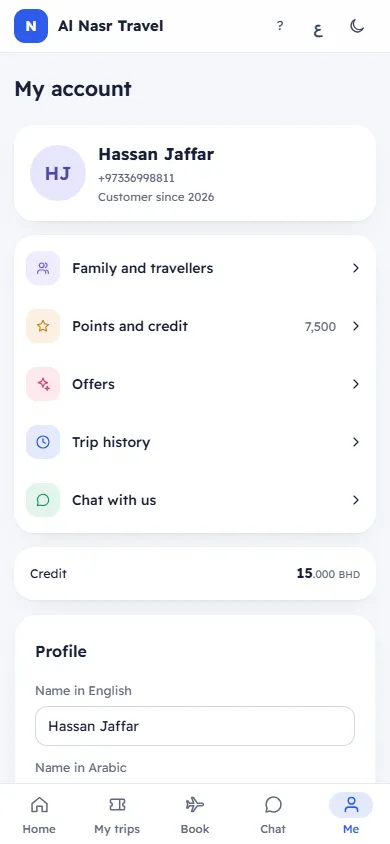
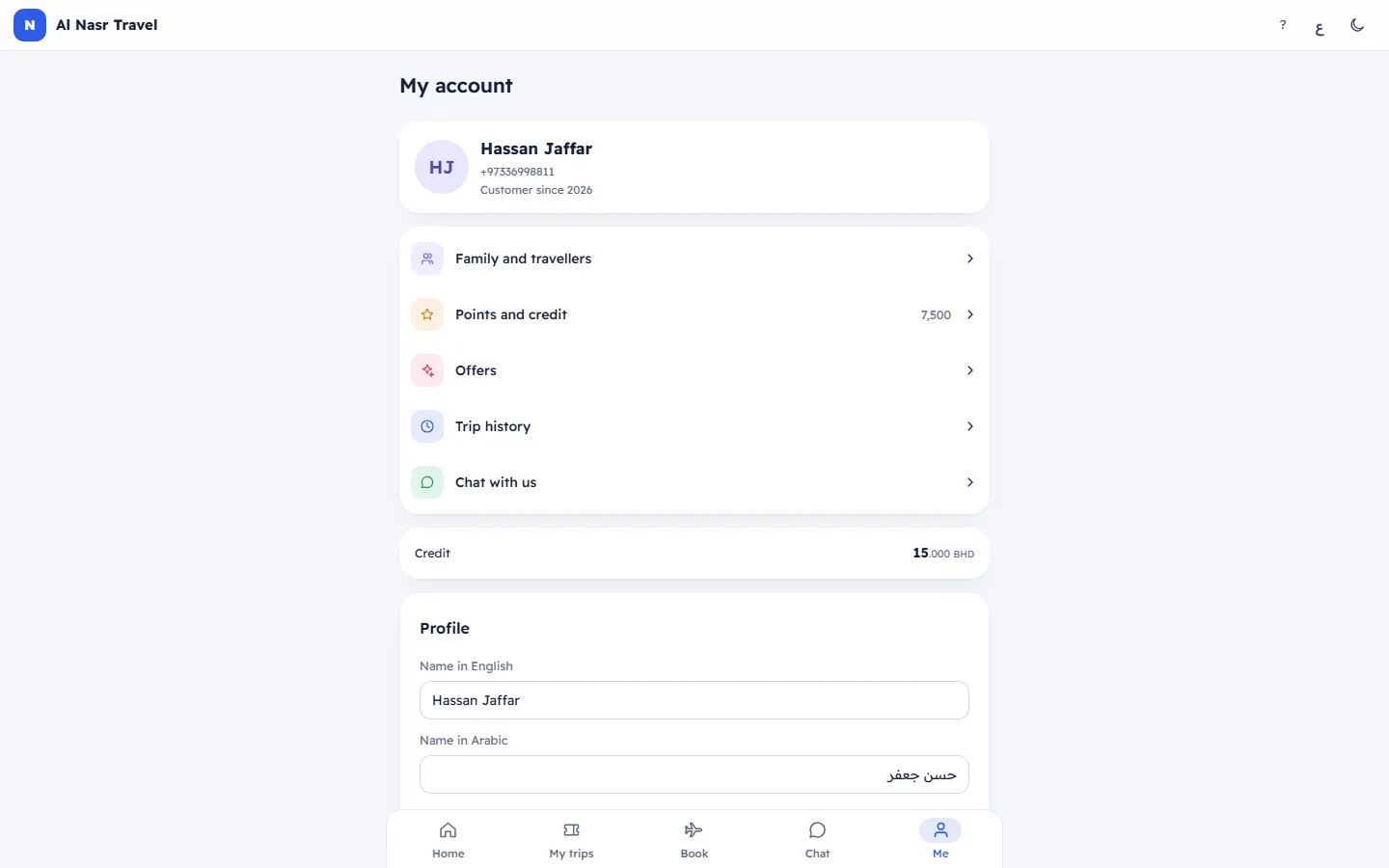
- Your picture or initials, your name, your mobile or email, and "Customer since 2024".
- Shortcuts: Family and travellers, Points and credit (with your points), Offers, Trip history and Chat with us (with unread messages). Credit shows when you have some.
Profile
- Name in English and Name in Arabic: change them and tap Save (it lights up when you change something). The message Saved appears.
- Mobile and Email cannot be changed here: To change your mobile or email, ask us in the chat: they are how you sign in.
Company details
For a company account: VAT number, Commercial registration, ID and Address. These appear on your tax invoices. Ask us to change them.
Messages from us
Offers and news: on, you receive trips, offers and seasonal news by WhatsApp or email; off, you do not. Booking messages always come. The messages You will get our offers or No more offers confirm it, and "Changed …" shows when.
Settings
- Language: العربية or English, For this app and our messages to you. See Change the language.
- Dark mode: on this device only.
- Signed-in devices: Only this one, or "2 devices". With more than one, Sign out the others asks Sign out other devices? (Every other phone or computer signed in to this account will need a new code.) Tap Sign them out.
- Sign out: signs this device out and shows the sign-in screen.
The link /c/…/settings opens this page at Settings.
Related articles
- Change the languageSwitch your trip page, payment page or account between Arabic and English, and choose the language of the agency's messages to you.
- Add your family and their passportsSave the people you travel with once, with their passport details, and send a passport copy so booking is quicker next time.
- Points and creditHow many loyalty points and how much credit you have, what they are worth, how you earn and use them, and every movement.
- Sign in to your account with a codeSign in with your mobile number or email and a short code we send you. No password is needed.