Offers for you
The offers the agency chose for you, with their discount and end date. Book a trip with an offer or copy its code.
Offers for you shows the offers your agency has for you now. Open it with See all on Home, or from Me → Offers.
What each offer shows
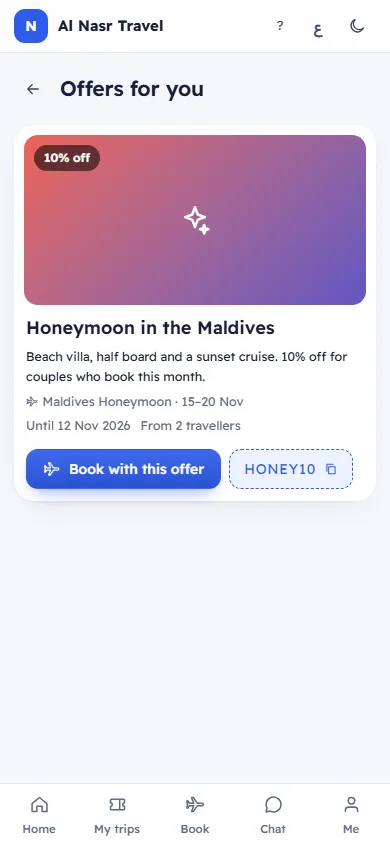
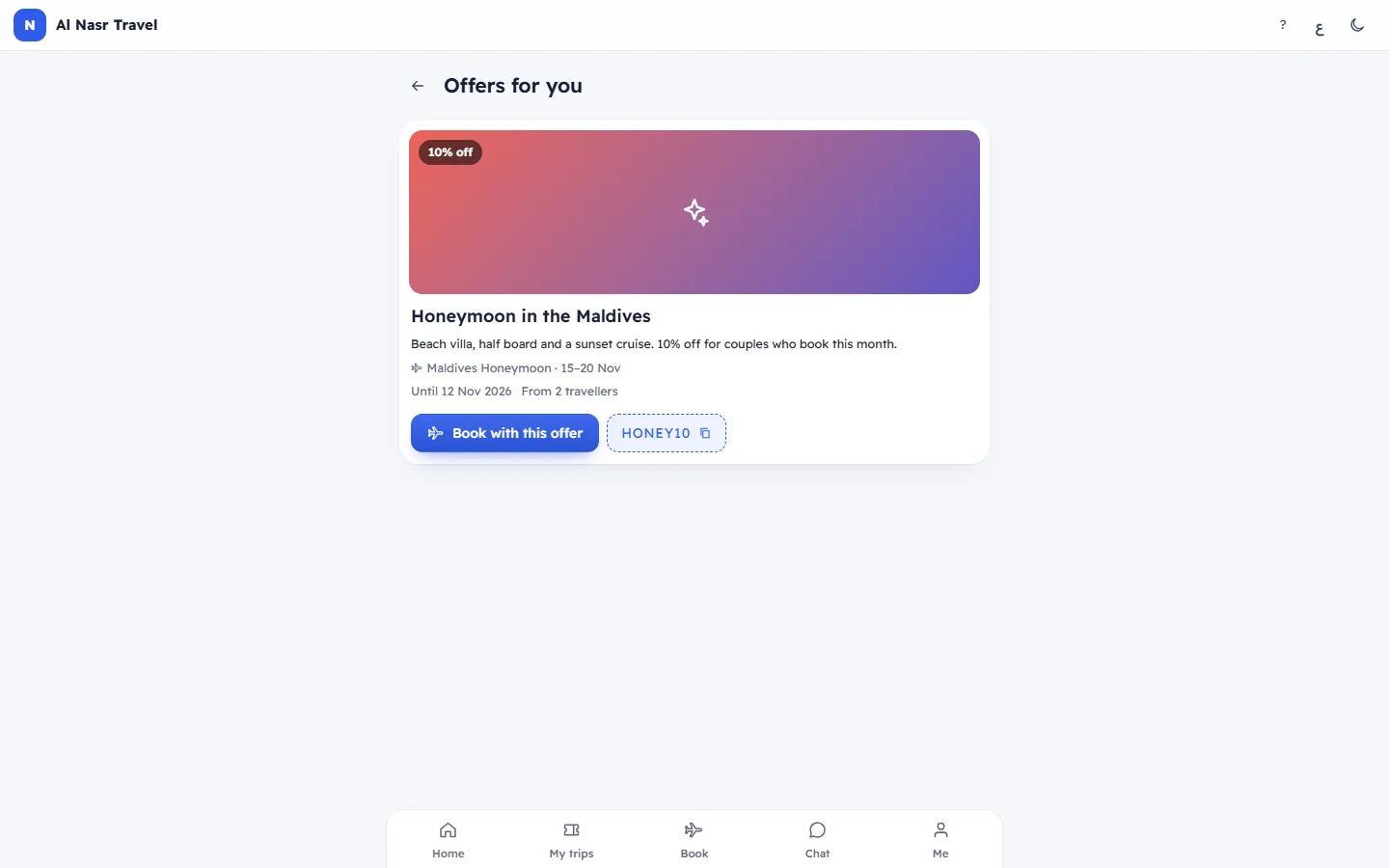
- A picture with the discount: "10% off", an amount off, or Special offer.
- The title and text, and the trip with its dates when the offer is for one trip.
- "Until …": the last day of the offer.
- "3 left" when only a few uses remain, and "From 4 travellers" when the offer needs a minimum party.
What you can do
- Book with this offer: opens the trip with the offer already applied. See Book a trip online, with a promo code.
- Choose a trip: for an offer that is not tied to one trip; pick any trip you can book.
- Copy code SPRING10: copies the promo code to type when you book.
When there are none
No offers right now: We will tell you when there is something for you.
Note
You only receive offer messages if Offers and news is on in Me. Offers on this screen are always shown.
Related articles
- Book a trip online, with a promo codeChoose the travellers and the room, add a promo code or an offer, see the price, then book at once or send a request.
- Trips you can bookThe trips the agency has opened for online booking, with seats left, nights, the starting price and whether you book at once or on request.
- Your account homeWhat you see when you open your account: your next trip with a countdown, what is left to pay, messages, points and offers.