Your account home
What you see when you open your account: your next trip with a countdown, what is left to pay, messages, points and offers.
Home is the first screen of your account. It greets you ("Hello Ahmed") and shows what matters now.
The tabs at the bottom
Home, My trips, Book, Chat (with a number when you have unread messages) and Me. At the top: the agency's name and logo, a ? for help, the language button (EN / ع) and the light or dark look.
What you see
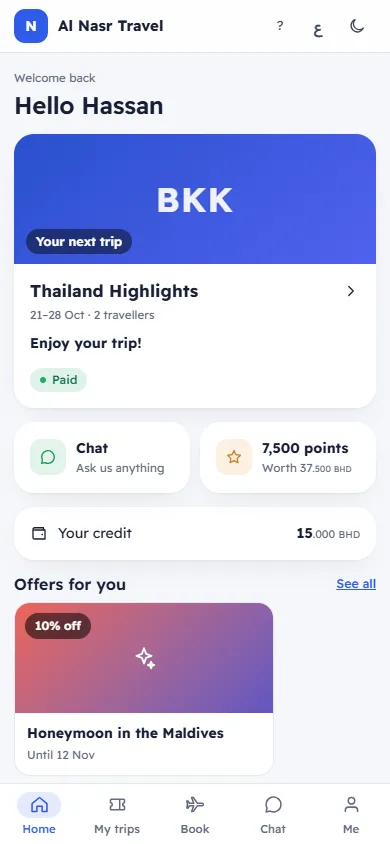
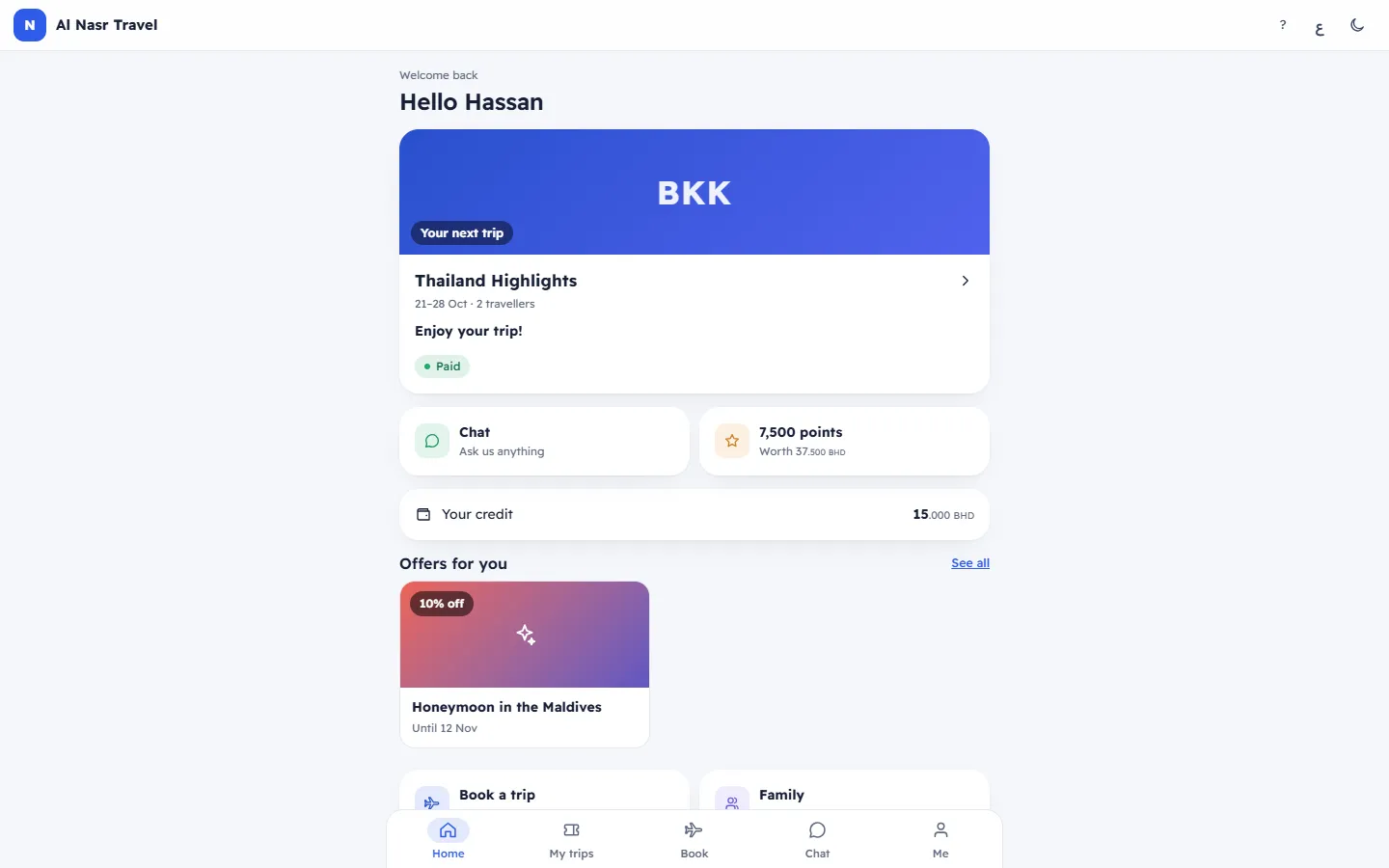
- Your next trip: the trip's picture, name, dates and travellers, a countdown in days, hours, minutes and seconds, the payment chip and the Balance. Once the trip starts it says Enjoy your trip! Tap the card to open the booking. With no trip booked: No trip booked yet, See the trips you can book now. and a Book button.
- Balance to pay: each upcoming booking with money left to pay ("1 booking"), its payment chip, " · by …" with the due date, the amount and a Pay button. Pay opens the booking with the payment window ready. See Pay your balance online by card.
- Quick tiles:
- Chat: "2 new" Messages from us, or Ask us anything.
- Your points ("2,915 points", Worth …) and Your credit, or No credit.
- Book a trip: Trips open now.
- Family: Travellers and passports.
- Offers for you: up to 8 offers with their discount and "Until …". See all opens every offer.
The payment chip reads Paid, Deposit paid, Part paid, Not paid, Overdue or Cancelled.
Related articles
- My trips and trip historyYour upcoming bookings, your past and cancelled trips, and the booking requests the agency still has to confirm.
- Pay your balance online by cardPay the full balance, the amount the agency asked for, or part of it by card, on a secure payment page, and get your receipt.
- Points and creditHow many loyalty points and how much credit you have, what they are worth, how you earn and use them, and every movement.
- Offers for youThe offers the agency chose for you, with their discount and end date. Book a trip with an offer or copy its code.