My trips and trip history
Your upcoming bookings, your past and cancelled trips, and the booking requests the agency still has to confirm.
My trips lists every booking you have with the agency. Open it from the My trips tab at the bottom.
The tabs
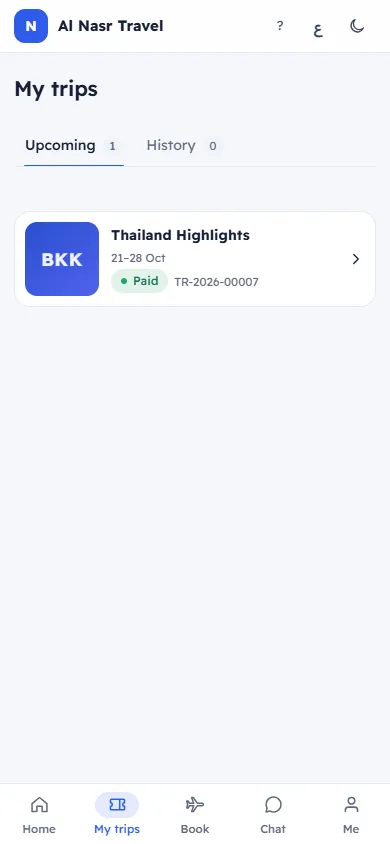
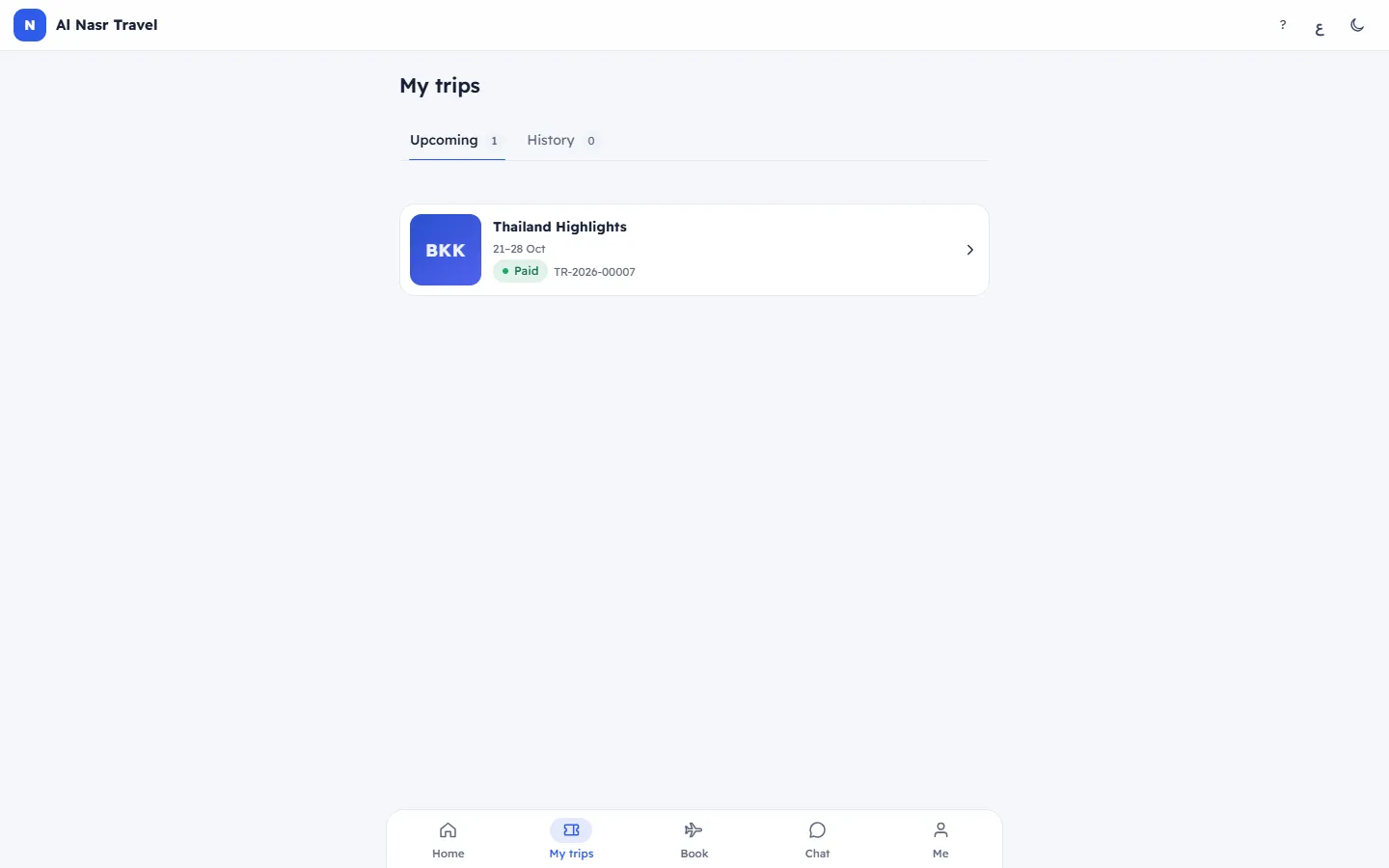
- Upcoming: your confirmed bookings whose trip has not come back yet. Each shows the picture, the trip, the dates, the payment chip, the booking number and the Balance.
- History: past and cancelled trips. They stay here with their documents and payments after you come back. You also reach it from Me → Trip history.
- Requests (only when you have one): trips you asked to book that the agency still has to confirm. Each shows the trip (or Trip request), Waiting for the agency, "Sent …" and the request number.
Tap a booking to open it. See A booking in your account.
Payment chips
| Chip | Meaning |
|---|---|
| Paid | Paid in full. |
| Deposit paid | The deposit is paid; the rest is still due. |
| Part paid | Part is paid. |
| Not paid | Nothing is paid yet. |
| Overdue | The balance is past its due date. |
| Cancelled | The booking was cancelled. |
When a tab is empty
- No upcoming trips: When you book a trip it shows here. Tap Book a trip.
- No past trips yet.
Related articles
- A booking in your accountEverything about one booking: flights, day-by-day plan, hotel and room, travellers and documents, payments, invoices and the ways to pay.
- Book a trip online, with a promo codeChoose the travellers and the room, add a promo code or an offer, see the price, then book at once or send a request.
- Your account homeWhat you see when you open your account: your next trip with a countdown, what is left to pay, messages, points and offers.