A booking in your account
Everything about one booking: flights, day-by-day plan, hotel and room, travellers and documents, payments, invoices and the ways to pay.
Open a booking from Home or My trips. You see the same trip page the agency sends you by link, plus your invoices, the transfers you reported and every way the agency lets you pay. Back to my trips takes you back.
What you see
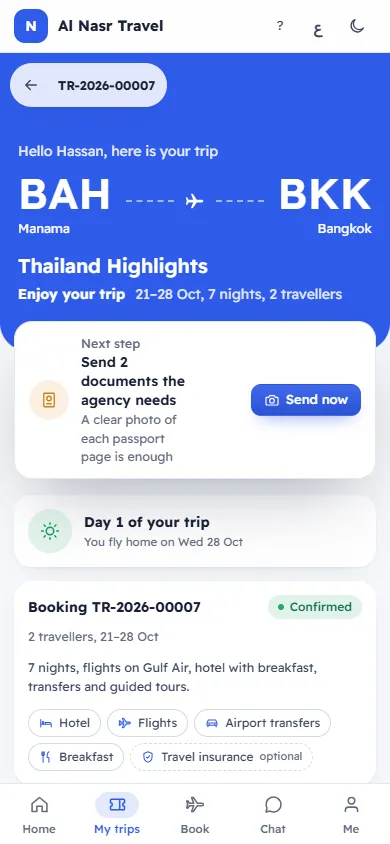
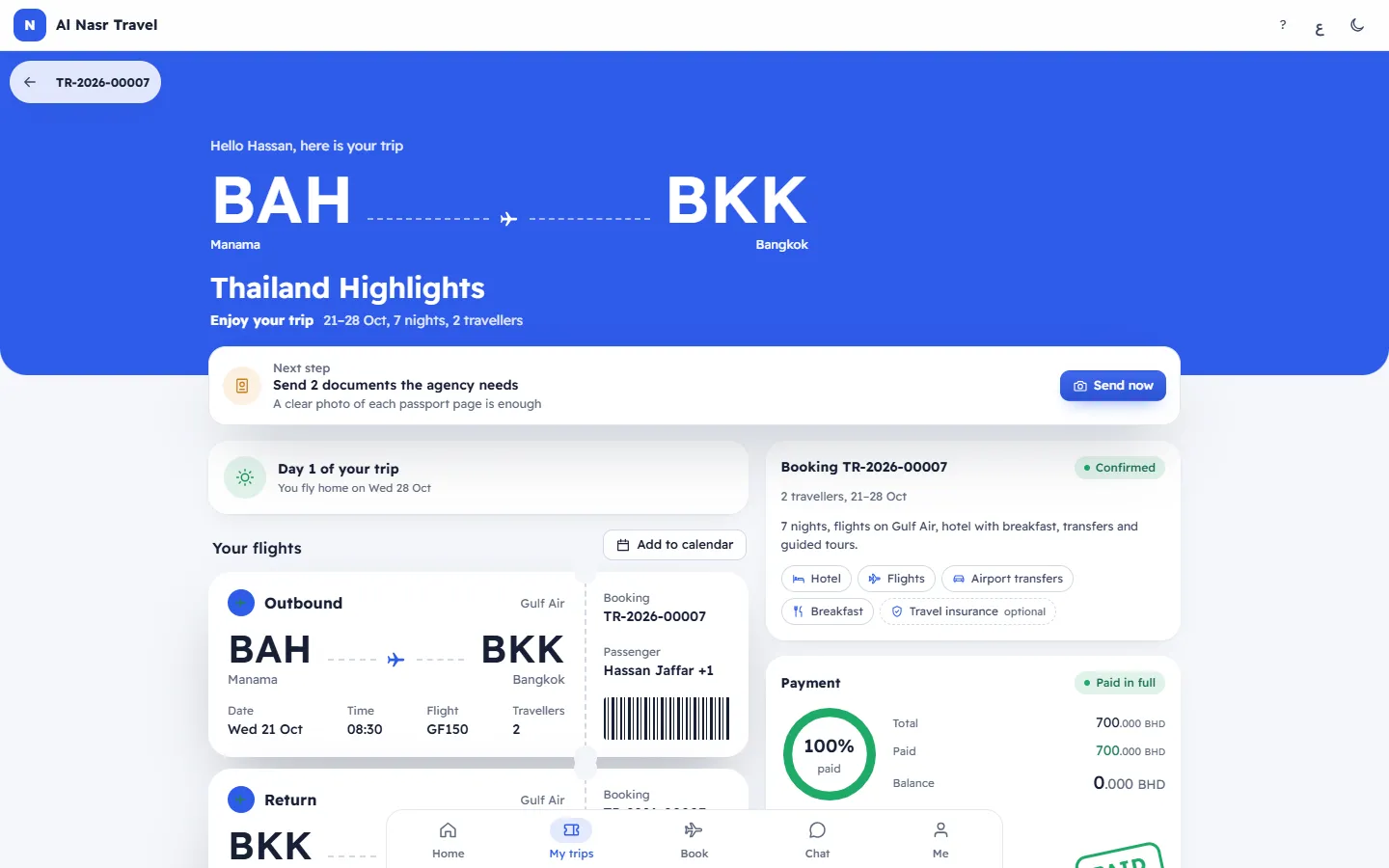
- The booking number, "Hello Ahmed, here is your trip", the route, the trip name, the dates, nights and travellers.
- Next step: the one thing to do now, such as paying the balance or sending a document.
- The countdown, Your flights, Day by day, Where you stay (hotel, room number, floor and guests), the Booking card and the Payment card. Each is explained in Your trip page.
- Invoices: each invoice with its number, Tax invoice or Credit note, the date and the total. Tap one to open a printable copy.
- Transfers you sent: each bank transfer you reported, with the amount, date, reference, the agency's note and a status: Being checked, Accepted or Not accepted.
- Travellers and documents: what is ready, what is needed, and Send buttons. See Send your passport and documents.
Paying
Tap Pay (on the Payment card or a Pay now button). The window Pay for your trip shows the Balance and asks How do you want to pay? You only see the ways your agency offers:
- Card online: see Pay your balance online by card.
- Bank transfer: see Pay by bank transfer and send the details.
- My points and My credit: see Pay with your points or credit.
If no way is offered: Contact us to pay the balance.
If the booking does not open
Booking not found: it may have been removed. Contact the agency in the Chat if you need help. A cancelled booking cannot be paid: you see This booking is cancelled.
Related articles
- Pay your balance online by cardPay the full balance, the amount the agency asked for, or part of it by card, on a secure payment page, and get your receipt.
- Pay by bank transfer and send the detailsPay by bank transfer to the agency's account, then send the amount, reference, date and receipt so the agency can confirm it.
- Send your passport and documentsSend a photo or PDF of a passport or another document the agency needs, straight from your trip page or booking.
- Your trip pageThe private page for your booking: countdown, flights, day-by-day plan, hotel and room, travellers and documents, payments and how to reach the agency.