Error, offline and "page not found" screens
What the system shows when a screen fails, the address is wrong, the internet drops or your session ends, and what to do each time.
Sometimes a screen cannot show what you asked for. Each case has its own calm message, and your saved data is never lost. The menu and the top bar keep working, so you can always move to another screen.
What you see
This screen hit turbulence
Shown in place of a screen that failed while it was being drawn: Something went wrong while showing this screen. Your data is safe. Reload the page, or go back and try again.
- Reload: loads the page again. This fixes most cases.
- Go to the start page: opens the first screen of the app.
Only that screen is replaced. When you open another screen from the menu, it works as usual.
A new version is ready
Shown when the system was updated while you had it open, and a screen of the new version is needed: Reload the page to open the latest version of the app. The page reloads by itself once. If the message stays, press Reload.
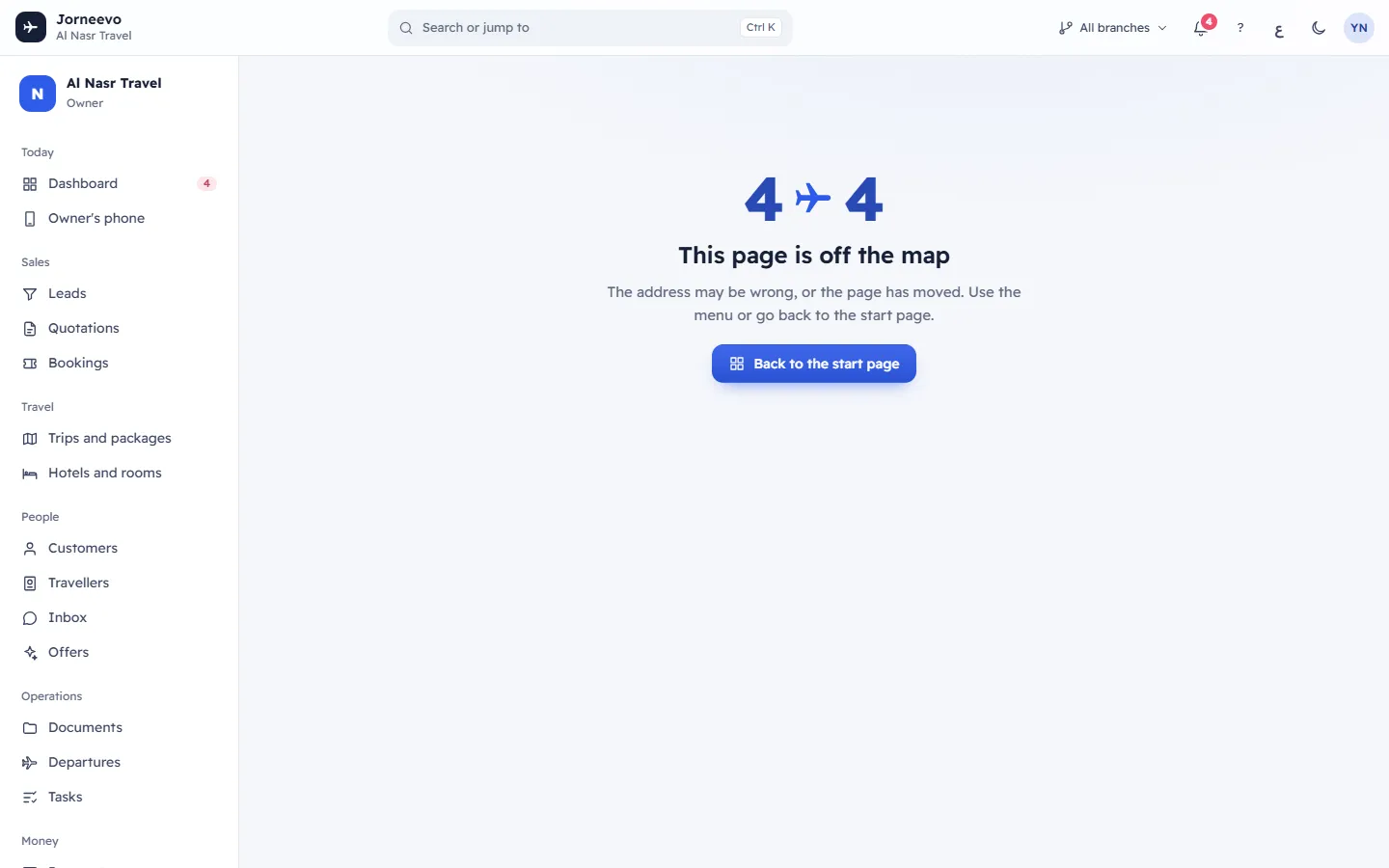
This page is off the map
Shown when the address in the browser does not match any screen: The address may be wrong, or the page has moved. Use the menu or go back to the start page. Press Back to the start page, or choose a screen from the menu. This often happens with an old bookmark or a link that was copied only in part.
Connection banners
A bar at the top of the screen tells you when the system cannot reach the server:
- You are offline. We will reconnect as soon as the internet is back.: your device has no internet.
- Reconnecting to the server… your work is kept on this page.: you have internet, but the server does not answer for a moment, for example during an update.
- Press Try now to check again at once. The system also checks by itself, and the screens refresh their data as soon as the connection is back.
What you typed in an open form stays on the page while the bar shows. Save it again once the bar has gone.
Your session has ended
The message Your session has ended. Please sign in again. appears for a few seconds, then the sign-in page opens. It happens when:
- you were signed out after a long time without using the system;
- you signed out on another device, or someone ended your sessions;
- the agency owner disabled your account.
Sign in again: the system takes you back to the page you were on.
What to do when it repeats
- Press Reload or refresh the browser page.
- Check that other websites open. If not, the problem is your internet connection.
- Sign out and sign in again.
- If one screen keeps failing for everyone in the agency, tell the agency owner, with the time it happened and what you pressed just before.
Note
Payments, bookings and other records you saved before the message are kept. A message on the screen never means that saved data was deleted.
Related articles
- Confirmation windows and pop-up messagesHow confirmation windows, side panels, menus, lists, date pickers and the messages at the bottom of the screen work everywhere in the app.
- Error messages: connection, forms and generalMessages that can appear on any screen, such as connection problems, form field checks, missing records and addresses, and what to do.
- Getting around: common questionsAnswers to the first questions people ask, about missing menu items, greyed-out buttons, badges, branches, phones, language and help.