Banners at the top of the screen
The bars that can appear above every screen, trial, overdue subscription, paused account, support mode and announcements, and what to do about each.
A coloured bar above the screens tells you about the agency's account as a whole: its subscription, a visit from support, or a message from the system's team. These bars are the same for everyone in the agency.
What you see
Trial note (in the menu)
While the agency is on its free trial, the menu shows Trial: N days left on the … plan. As soon as the trial ends, the plan starts (a paid plan with its first invoice). For a moment the note may read Your trial has ended. Your plan and first invoice are being set up now. Pay the invoice in Settings → Plan and billing.
A payment is overdue
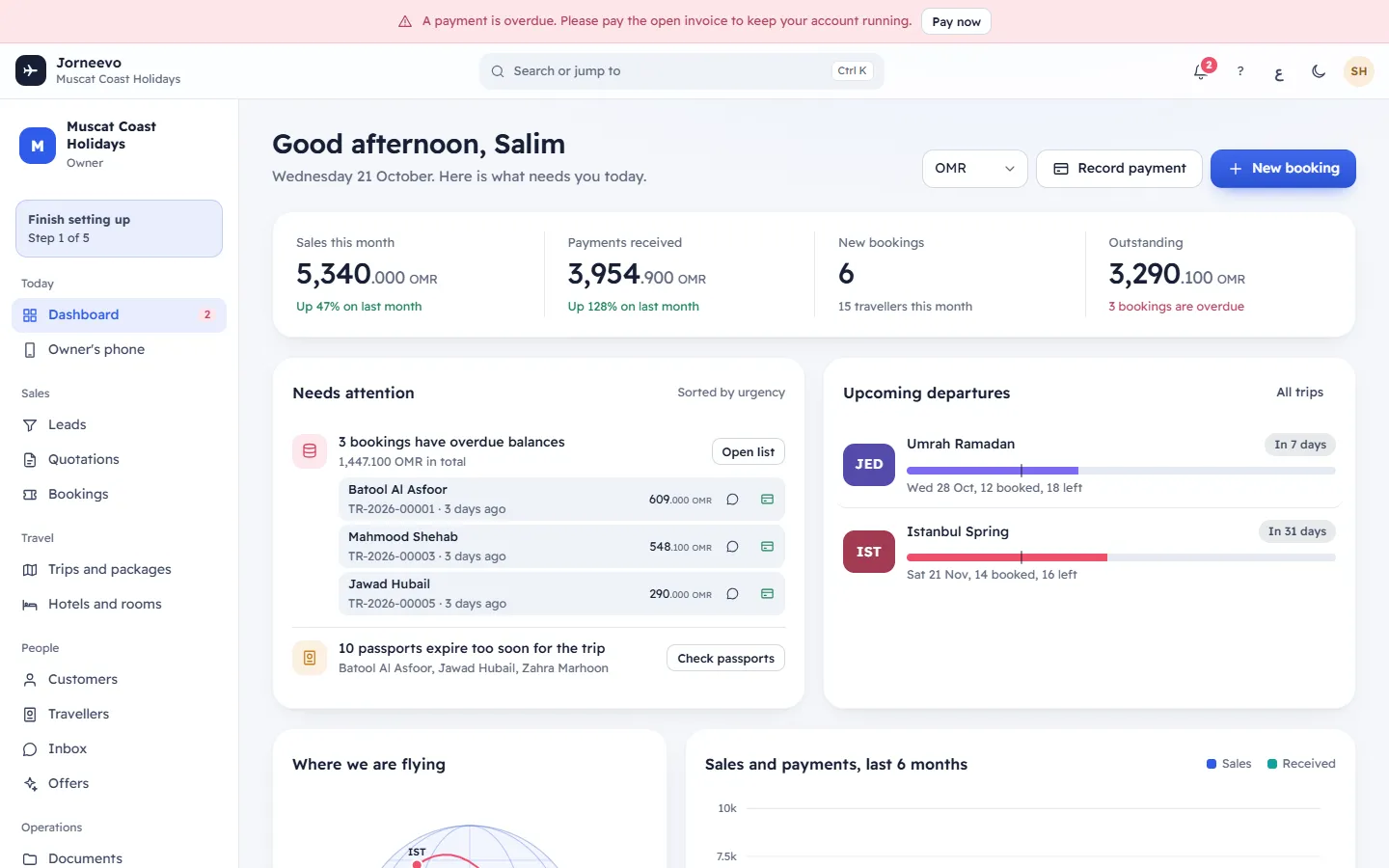
A payment is overdue. Please pay the open invoice to keep your account running.
The agency's subscription invoice was not paid on time. Everything still works for now. People with Manage the plan and pay invoices see Pay now, which opens Settings → Plan and billing to pay the invoice. If it stays unpaid after the grace days, the account is paused.
Account paused
Your account is paused until the open invoice is paid. Your data is safe, and everything opens again as soon as it is paid. The text changes with the reason: for example Your account is paused because your subscription has ended. Your data is safe. Reactivate the plan to carry on., or a pause by the Jorneevo team with the support email and phone.
While the account is paused, every screen is replaced by Account paused:
- The owner sees what to do (pay the open invoice, or Reactivate the plan) with the plan and its invoices underneath. Plan and billing in the bar scrolls to them.
- People who cannot see billing see who can open the account again, under Who can open the account again.
- Sign out stays available.
As soon as the invoice is paid or the plan is reactivated, every screen opens again for the whole team. No data is lost while the account is paused. See Account paused.
Support mode
Support mode: you are inside … with the agency's permission. Everything you do is recorded.
This bar appears only for the system's support staff while they look inside your agency to help you. They can only enter when the agency owner allows it, in Settings → Support access, and only for the time the owner chose. Everything they do is recorded in the agency's log. Leave ends their visit. You do not see this bar on your own screens.
Announcements
A message from the system's team to every agency, for example planned maintenance. Press Hide this message (the ✕) to hide it in this browser. A new announcement shows again, even after you hid an earlier one.
Note
These bars are about the agency's account with the system, not about your customers' payments. Overdue customer balances show on the Dashboard and in Payments.
Related articles
- The top bar, menu and activity panelEverything around your screens: the side menu and its badges, search, help, language, dark mode, the bell and your account menu.
- Error, offline and "page not found" screensWhat the system shows when a screen fails, the address is wrong, the internet drops or your session ends, and what to do each time.
- Getting around: common questionsAnswers to the first questions people ask, about missing menu items, greyed-out buttons, badges, branches, phones, language and help.